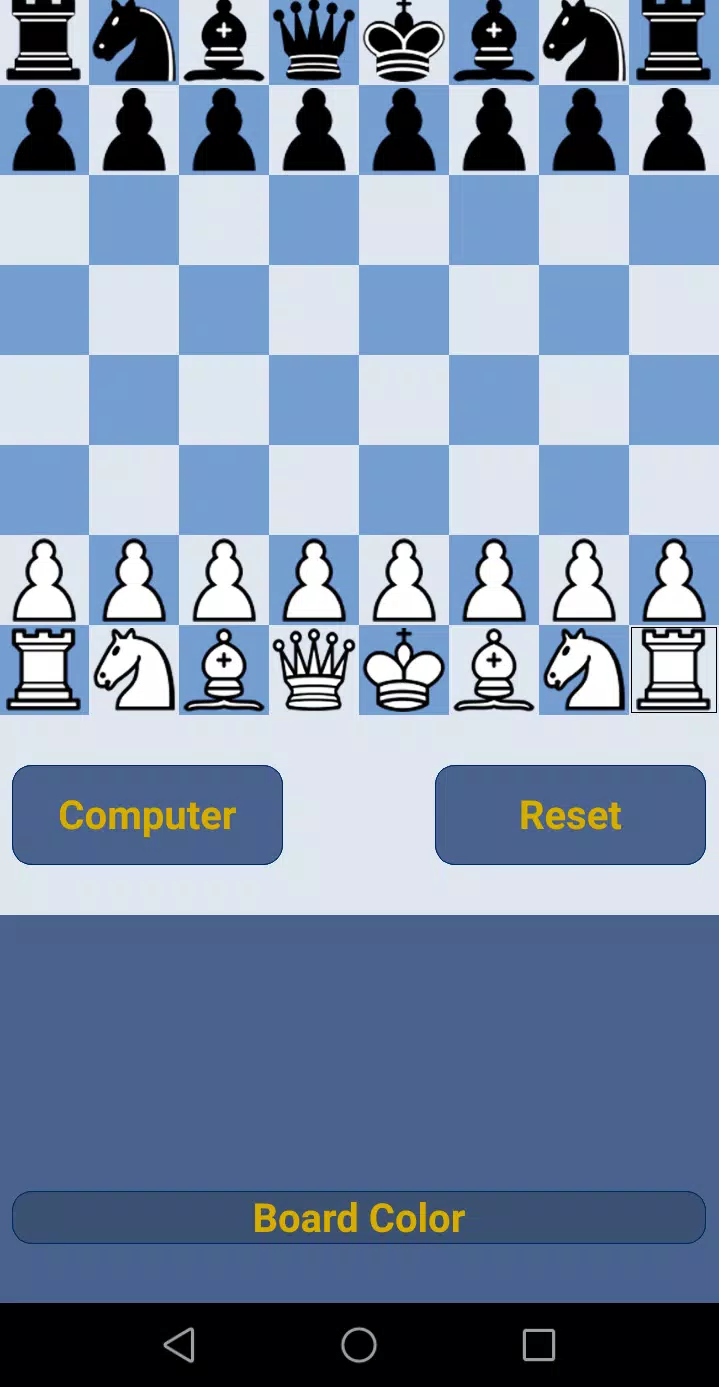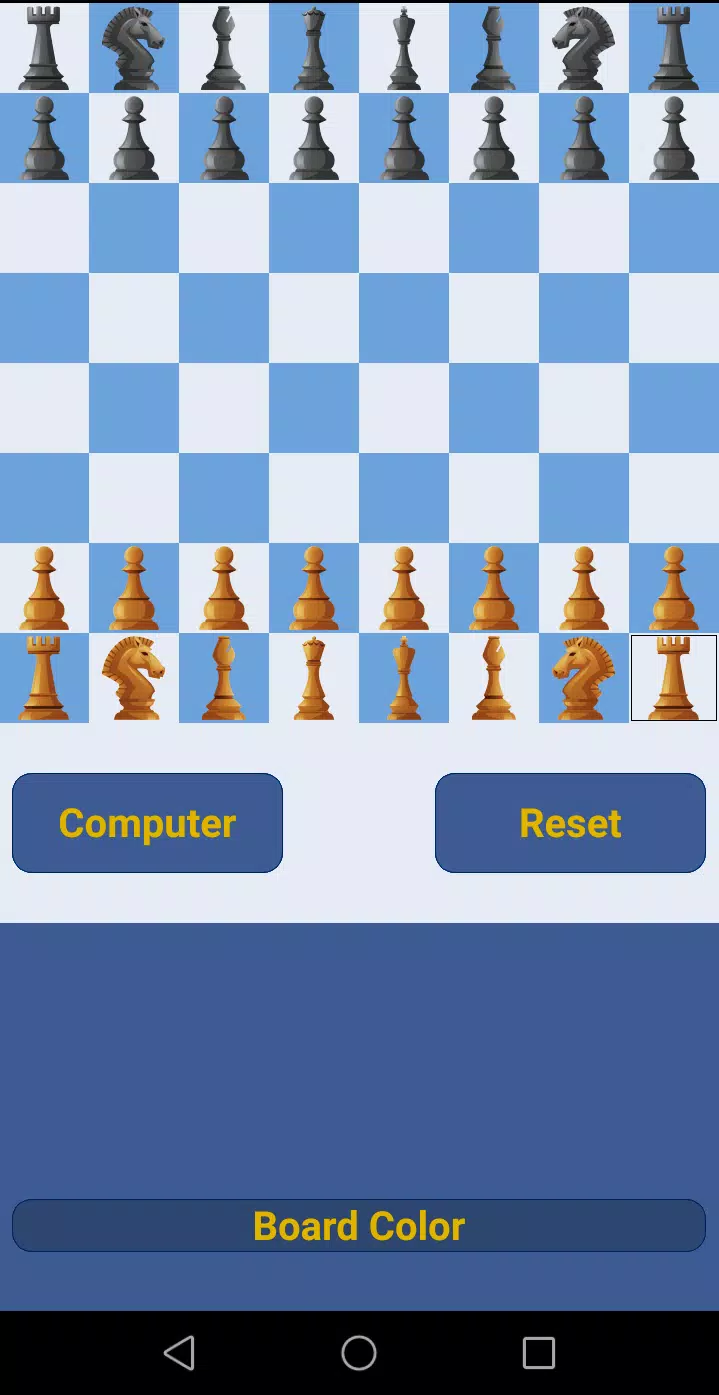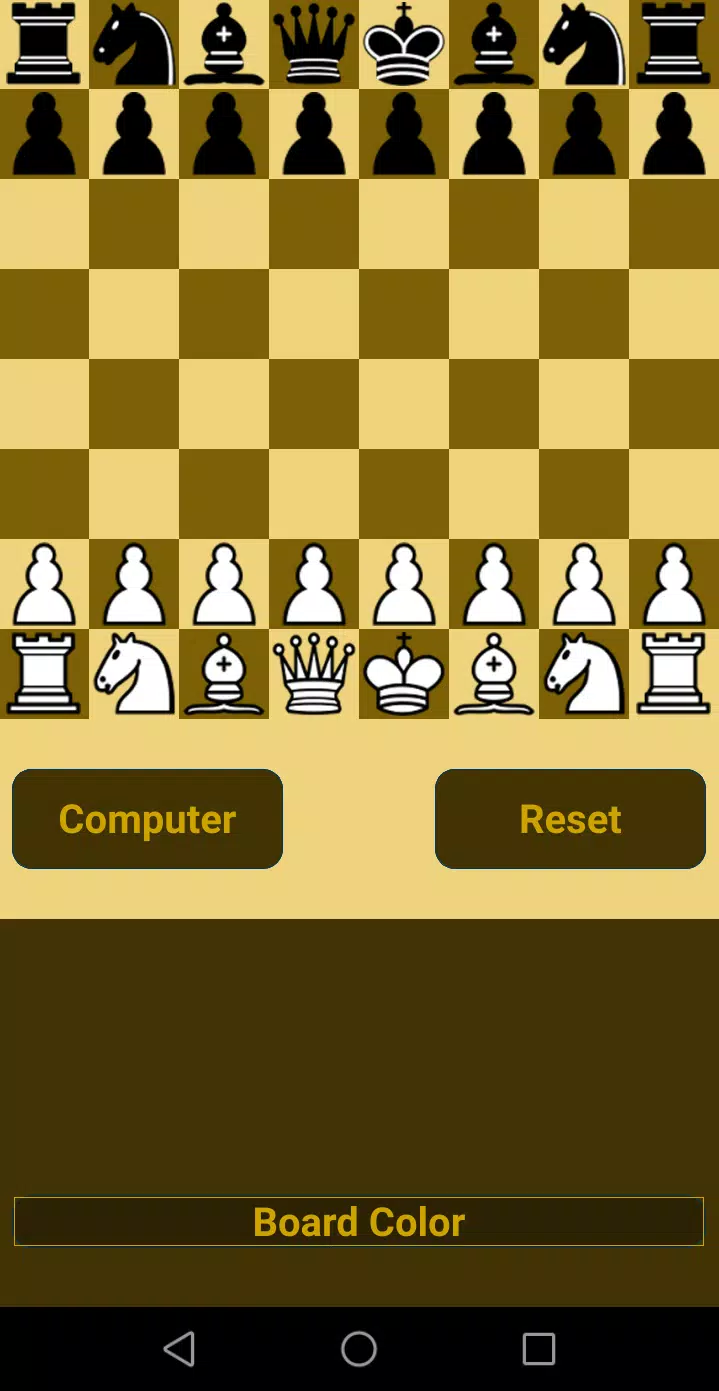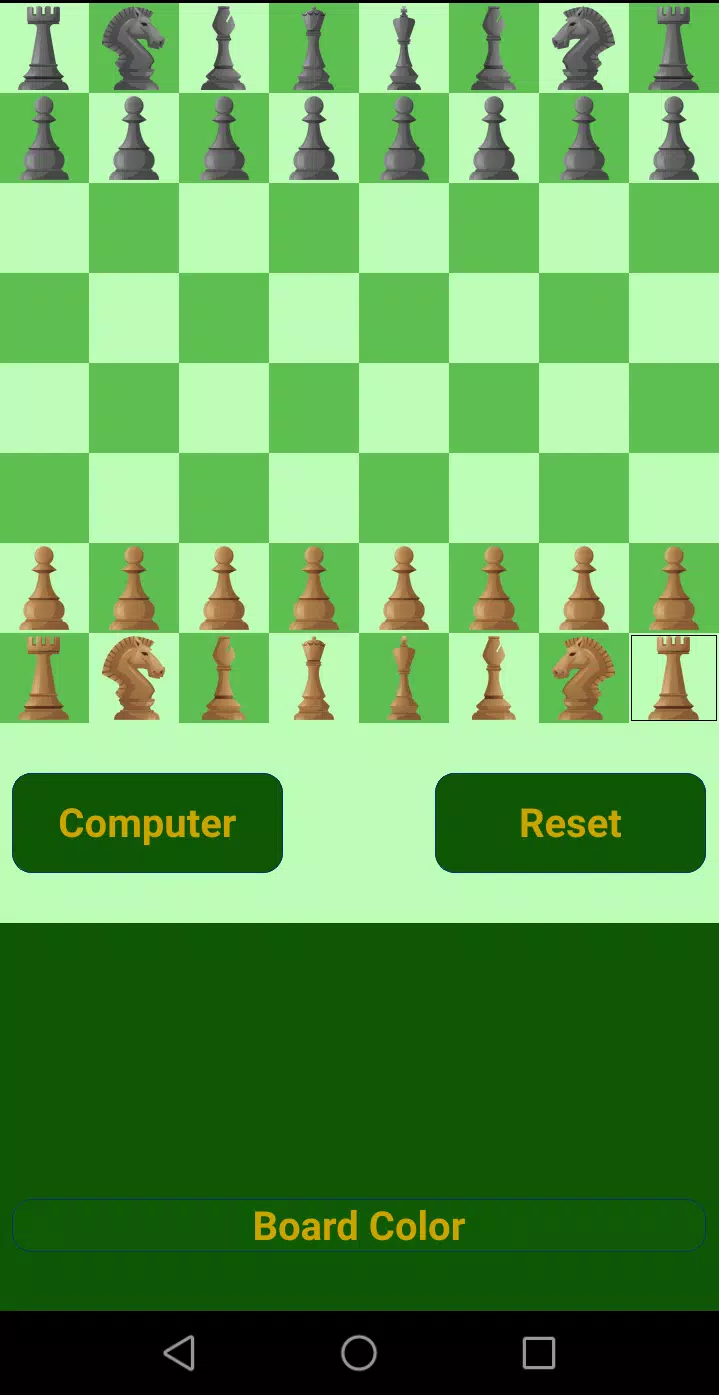

Introducing one of the most powerful chess programs available, designed to cater to players of all skill levels, from beginners to grandmasters. With 20 distinct levels, this program ensures a challenging and rewarding experience for everyone. Whether you're looking to hone your skills or test your prowess against top-tier AI, this chess program has you covered.
This robust chess software not only offers a thrilling game but also includes an advanced analysis feature to help you understand and improve your gameplay. All official chess rules are meticulously implemented, including draws by stalemate, insufficient material, the fifty-move rule, and threefold repetition. If you consider yourself a strong player, challenge yourself on the upper levels (16-20) to push your limits. For beginners, the lower levels (1-10) provide an excellent platform to enhance your stability, attention, and concentration in chess.
Playing is straightforward: simply touch a piece, and all possible moves will be highlighted. Choose your move by touching one of the highlighted options. To start a game against the computer from the initial position, go to "Computer," select your preferred level, choose your color, and begin playing. If you prefer to start from a specific position, set up the board, then navigate to "Computer," choose your level, and start playing. For an interesting twist, you can even force the computer to play for both sides by setting up a position, going to "Computer," selecting "BothSide," and choosing a level.
Sharpen your skills further with over 460 chess puzzles designed to enhance your tactical understanding. By interacting with ads, you can unlock three puzzles at a time, along with move hints and the ability to undo moves, making it an ideal tool for learning. If you prefer an ad-free experience, consider purchasing the paid version of Deep Chess.
To analyze your games, enter your moves for both sides, tap the "Reset" button, save the game, then load it and use the "Hint" button, which is enabled by clicking on ads. For a more strategic approach, the program supports PolyGlot (.bin) opening books. To use this feature, ensure your device has an SD card mounted, download the PolyGlot (.bin) book to your Downloads or Documents folder on the SD card, and add it via the "Files" button, followed by the "Add Book" button. We highly recommend utilizing this feature for faster gameplay, especially on higher levels.
You can also export your saved games as PGN files to the Downloads folder on your SD card, allowing you to review and share your games easily. Achieve milestones and earn badges with our win achievements system:
- 3 wins on the same level - Bronze Star
- 5 wins on the same level - Silver Star
- 7 wins on the same level - Gold Star